Vizard 8 » The Vizard IDE » Inspector » Inspector Workflow
8.3.1

An object can be duplicated in Inspector by creating either an instance or a copy of it. An instance will share the same transforms, geometry and materials of the original. Duplicating in this way conserves memory. Any change to one object (e.g. color) will change the other as well. A copy will have its own transforms, geometry, and materials. Twice the memory is used but changing the appearance of one will not affect the other.
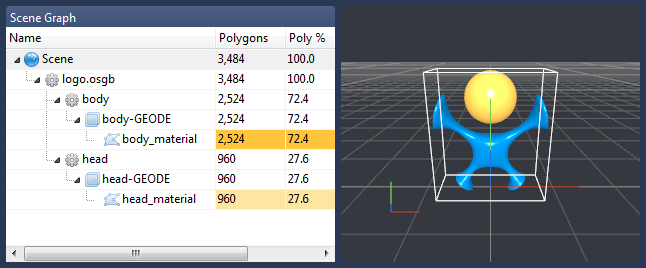
For this exercise, we'll create a second instance of the Vizard logo. To follow along load the logo.osgb file found in the Vizard resources folder. The scene graph and model are shown below:
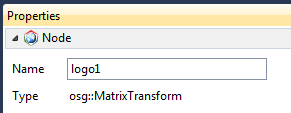
First we'll create two transforms to hold the two logos. This will allow us apply transformations to the logos individually.
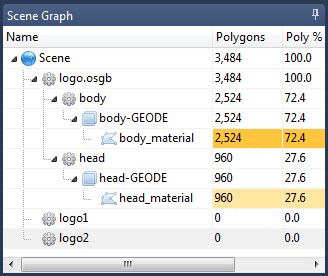
The scene graph is shown below:
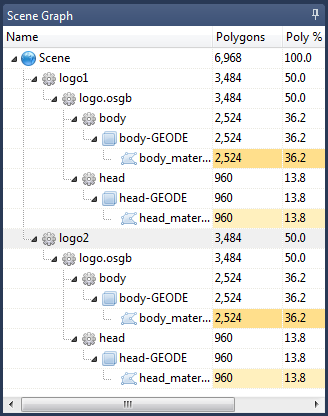
The scene graph is shown below:

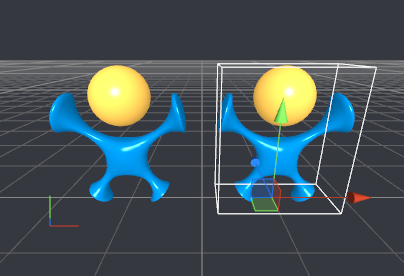
Select File > Save As and name the file logos.osgb. The modified file can now be loaded in Vizard.